

In ecommerce, images play a crucial role in helping customers decide whether to purchase a product. Not only the content of an image but also its size is an important factor that can influence sales. Setting images to the appropriate size fully brings out the appeal of your products and brand, while also improving your evaluation by search engines and boosting customer acquisition.
This article is for anyone unsure about how to set up images on Shopify. We will clearly explain the officially recommended sizes and how to choose the right file format. Please use this as a reference to make your Shopify store more appealing.
What Are Shopify's Recommended Image Sizes?
For Shopify stores, choosing the appropriate image size and format helps convey the appeal of your products and brand while also improving page loading speed.
Here, we've put together an easy-to-understand table of the sizes Shopify recommends for each image type. Use the recommended sizes for each page element—product images, slideshows, banners, logos, and more—as a reference to keep your store looking neat and easy to view.
| Media | Size (pixels) | Maximum File Size |
|---|---|---|
| Image | 2048×2048 (recommended) | 20MB |
| Video | Up to 10 minutes YouTube and Vimeo links can be embedded |
1GB |
| 3D Model | — | 500MB *Automatically optimized if it exceeds 15MB |
| Logo | 512px (minimum) | |
| Favicon | 32×32 | |
| Cover Image | 1920x1080 (recommended) | |
| Slideshow | Varies by Shopify theme | |
| Banner | Varies by Shopify theme |
PNG format is best suited for Shopify product images, with JPEG being the next recommended choice. Shopify also supports other file formats such as PSD, TIFF, BMP, GIF, SVG, HEIC, and WebP.
How Appropriate Image Sizes Affect Customer Acquisition
Image size has a major impact not only on appearance but also on your store's ability to attract customers. Placing images at the appropriate size allows users to browse pages smoothly and fully conveys the appeal of your products. It also affects page loading speed and SEO, making optimal size settings an important point that can lead to increased sales.
Here, we'll explain in detail how image size affects customer acquisition.
1. Product Image Quality Builds Trust
In online shopping, since customers cannot actually hold the product, visual information plays an important role in conveying product quality and reliability. High-quality product images and appropriate size settings give users a sense of security and make them expect that "the actual product looks great too." Preparing a high-resolution image in Shopify's recommended 2048×2048 square size lets customers see clear detail even when zoomed in, allowing you to fully convey the appeal of your products.
2. Improved Page Loading Speed Boosts SEO
If images are too large, page loading speed slows down. This is especially true for ecommerce sites with many product images, where image optimization directly affects page loading speed. If a page loads slowly, users tend to leave partway through, resulting in lost opportunities. Conversely, compressing images to an appropriate size makes pages load smoothly and makes it easier to earn a higher evaluation from search engines.
The blog article below introduces SEO tactics you can implement with Shopify. Please use it as a reference.

3. Alt Text Can Also Attract Customers Through Image Search
Setting alt text (alternative text) for images makes it easier for search engines to understand the content of the image. Setting appropriate alt text can also increase traffic from image search and help attract customers. Using alt text that includes specific product names and features increases exposure in image search, further boosting customer acquisition.
4. Create a Sense of Unity to Convey Your Brand Image
Banner and slideshow images on the top page have a major impact on users' first impressions. Visually appealing images placed at the appropriate size help improve your brand image. Images that are too large or too small can throw off the overall design balance of the page, but being mindful of appropriate sizing allows you to convey a consistent, unified brand image.
Image File Formats
Image file format affects loading speed and quality, making it an important point for proper operation on Shopify. Here, we'll explain the characteristics of each format and the best situations to use them.
| File Format | Characteristics | Points to Note |
|---|---|---|
| JPEG | ・Suited to multi-color images such as photos ・Easy to keep file size small |
Image quality degrades if the compression rate is too high |
| PNG | ・Supports transparent backgrounds ・Well suited to logos and icons |
File size tends to become large, so optimization is needed |
| GIF | Can create simple animations | Not suited to photos due to the limited color range (up to 256 colors) |
| SVG | A vector image format that does not lose quality when enlarged | Not suited to complex designs, and browser compatibility should be checked |
| WebP | ・Achieves lighter file sizes with higher compression than JPEG or PNG ・Also offers good image quality |
Some older browsers do not support it, so compatibility should be checked |
| HEIC | High quality and high compression, natively supported on iOS and Mac | Compatibility is needed for display in non-iOS environments |
4 Tips for Optimizing Images on Shopify
Optimizing images on Shopify speeds up page loading and boosts SEO effectiveness. Here, we'll introduce four tips for effective optimization.
1. Optimize File Names for SEO
Are your image file names vague, like "image1.jpg" or "IMG_1234.jpg"? To help search engines understand the content of an image, the file name also needs some thought. For example, giving the file a specific name that includes the product name and features, such as "red-leather-wallet.jpg," makes it easier for search engines to recognize the content of the image and improves SEO effectiveness.
2. Strengthen SEO with Alt Text Settings
Alt text is text that conveys the content of an image if it fails to display for some reason, and it has a major effect on SEO. Including the product name and features in an image's alt text lets search engines accurately grasp the image content, which can increase traffic from image search.
For example, using specific, easy-to-understand text such as "red leather wallet" is effective. Since alt text isn't visible to users, feel free to naturally include SEO keywords.
3. Reduce File Size to Improve Page Loading Speed
If an image's file size is too large, page loading slows down, which can cause users to leave the page. Using an image compression tool to reduce file size improves page loading speed and boosts SEO effectiveness. We introduce recommended apps later in this article, so be sure to check them out.
4. Resize Images in the Shopify Admin
Another convenient feature is that you can resize uploaded images directly from the Shopify admin. Adjusting an image to the page's recommended size keeps the look tidy and maintains consistency in your page design. Shopify recommends a 2048×2048 pixel square for product images. Using the appropriate size lets you display product detail beautifully and makes a better impression on users.
How to Resize Images in the Shopify Admin
1. From Content, select Files, then choose the image you want to resize

2. You can resize the image from the Crop and edit or Resize options

4 Recommended Apps for Adjusting Image Sizes on Shopify
When running a Shopify store, image optimization has a major impact on page loading speed and SEO. Below, we introduce four tools that are useful for adjusting image sizes.
1. Shopify Image Resizer
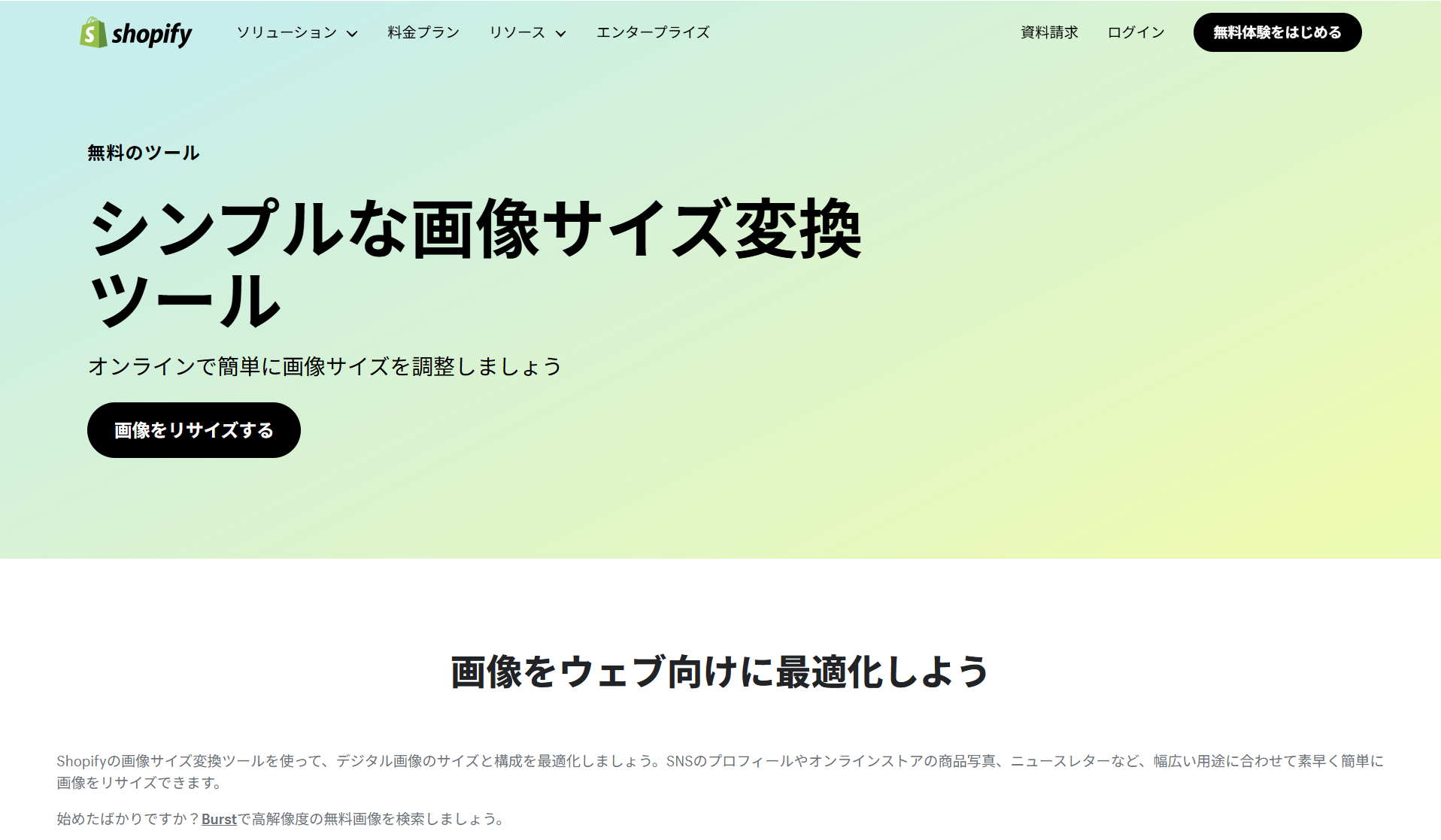
Image source: https://www.shopify.com/jp/tools/image-resizer

Using Shopify's image resizing tool, you can easily adjust images to the right size for a variety of uses, including social media profile pictures, online store product photos, and email newsletters. The steps are simple, too.
- Add up to 6 images
- Choose an image size from "Small," "Medium," or "Large"
- Click "Submit"
- Download the converted images
As you can see, this is a convenient tool that lets you quickly resize images in just a few steps.
2. iLoveIMG: Online Image Editing Tool

Image source: iLoveIMG: Online Image Editing Tool
iLoveIMG is a free online tool for resizing, compressing, and converting images. It can process multiple images in bulk and features an intuitive interface. It supports a variety of formats, including JPEG, PNG, and GIF.
3.Pixc:Photo Resize

Image source: Pixc: Photo Resize
"Pixc: Photo Resize" is an app that automatically adjusts image sizes for your Shopify store to create a unified look across the whole store. By resizing product images in bulk and improving page loading speed, it helps you achieve a professional design that's easy for users to view.
<Main Features>
| Feature | Details |
|---|---|
| Automatic resizing | Scans images and automatically resizes them to the specified size |
| Cropping and frame addition | Can also crop images or add frames as needed, according to the content of the image. |
| Image compression | Compresses file size while maintaining image quality, speeding up page display. |
| Backup feature | Comes with a backup feature that stores original images for a set period, letting you optimize images with peace of mind (varies by plan). |
<Pricing Plans>
Plan Name Price Pay As You Go The first 50 images are free, then $0.06 per image after that Basic plan $5/month, resize up to 100 images per month Pro plan $25/month, resize up to 1,000 images per month Unlimited plan $90/month, unlimited image resizing4.Bulk Image Edit & SEO

Image source: Hextom: Bulk Image Edit & SEO
"Bulk Image Edit & SEO" is an app that lets you resize and compress images and bulk-edit alt text and file names, helping to improve page loading speed and support your SEO efforts. It also comes with a feature for adding watermarks to images, making it ideal for protecting your brand as well.
A watermark faintly displays your brand logo or shop name on an image, preventing unauthorized use or copying and stopping the image from being reposted on other sites without permission.
The free plan lets you edit 50 images per month, and upgrading to a paid plan allows you to bulk-process even more images. This tool is recommended for anyone who wants to efficiently manage large numbers of images.
Summary: Optimize Your Shopify Store's Images to Boost Customer Acquisition
Optimizing image size is an essential factor for driving customer acquisition and sales on your Shopify store. In this article, we covered points for boosting your store's performance, including how to choose image sizes and file formats and how to make use of alt text.
Setting up your images appropriately brings out the appeal of your products and boosts both page loading speed and SEO effectiveness. Use this article as a reference to optimize your Shopify store's images and aim to run a store that reaches even more customers!
Finally, the blog article below introduces recommended Shopify apps—beyond image optimization apps—that are useful for expanding sales and improving operational efficiency. Please use it as a reference.


